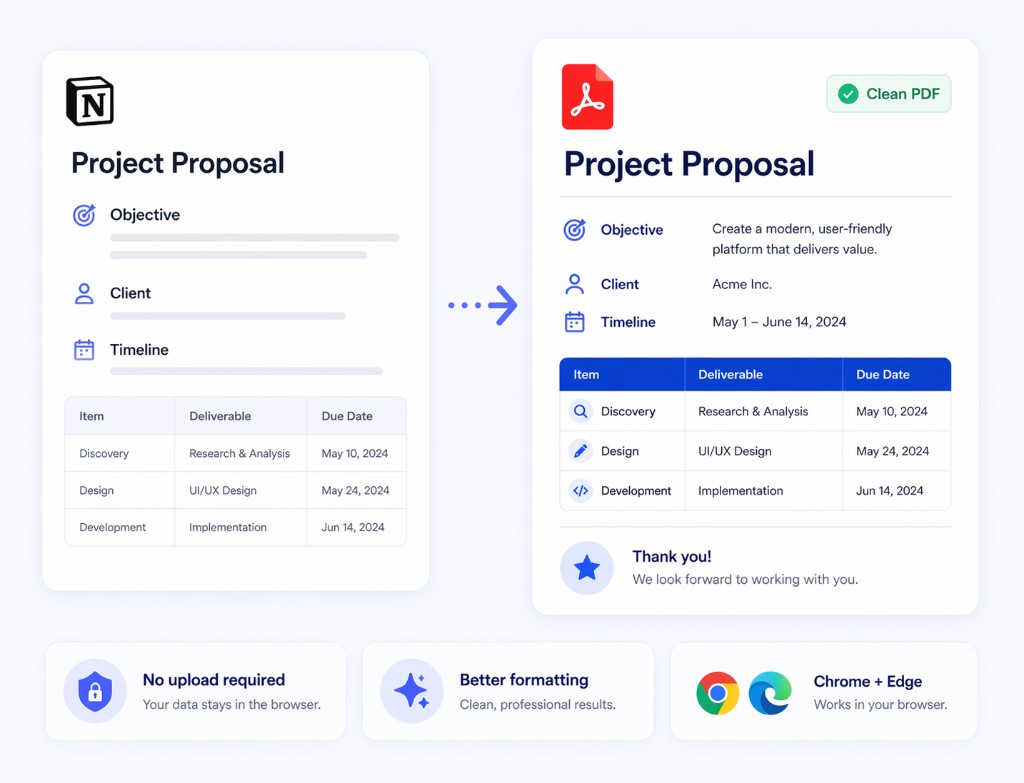
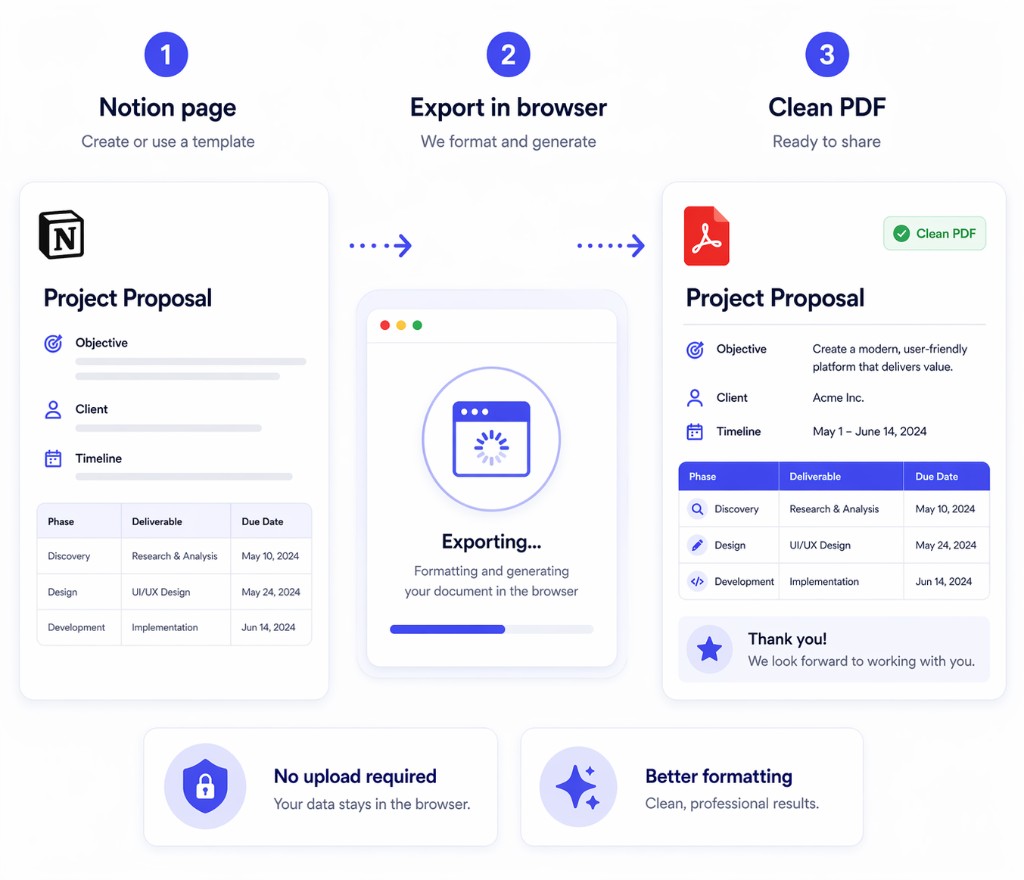
Print Notion is a Chrome extension for teams that need cleaner PDF output from Notion, no upload required, and a workflow that still works in Chrome and Edge.
The default export path is fine until the PDF needs to look better, move faster, or avoid an upload-based workflow.
Teams still fix spacing, tables, and section layout by hand before the PDF is ready to send.
That is the wrong fit for documents that should stay in the browser during export.
When the same structure is exported again and again, manual work becomes the bottleneck.
Keep the source document in Notion, then export a cleaner PDF when the page is ready.
Start from the page, template, or database-backed document your team already maintains in Notion.
Run the Chrome extension directly from the page instead of moving content into a separate online converter.
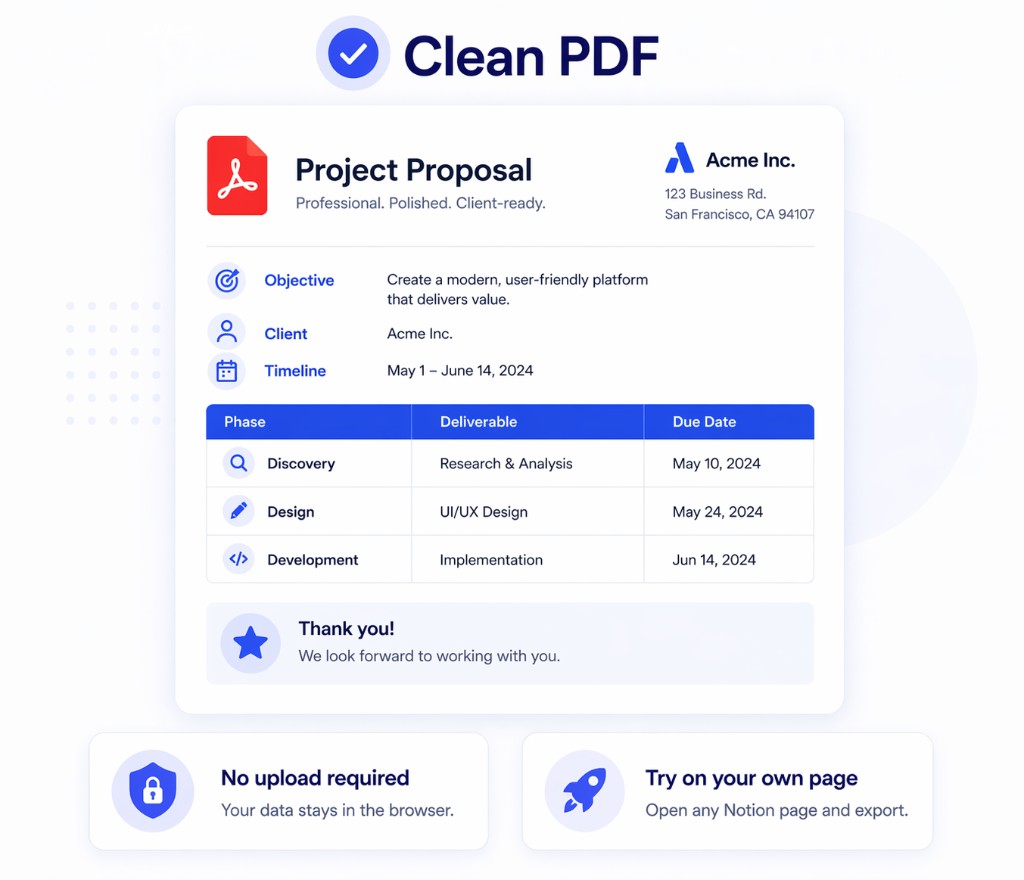
Get a more presentation-ready PDF for sharing, approval, or record keeping.
The gain is not just export. It is a cleaner workflow for browser-based PDF output from Notion.
The core Notion to PDF workflow stays in the browser instead of starting with a third-party upload.
Keep more of the structure that already exists in Notion so the PDF needs less cleanup.
Use the same extension across recurring exports instead of rebuilding the process each time.
The difference matters when PDF quality, privacy, and repeatability all matter at once.
These are the questions teams usually ask before trying this workflow in Print Notion.
Test the extension on one of your own Notion pages and see whether the PDF output is ready with less manual cleanup.
Copyright © Print Notion