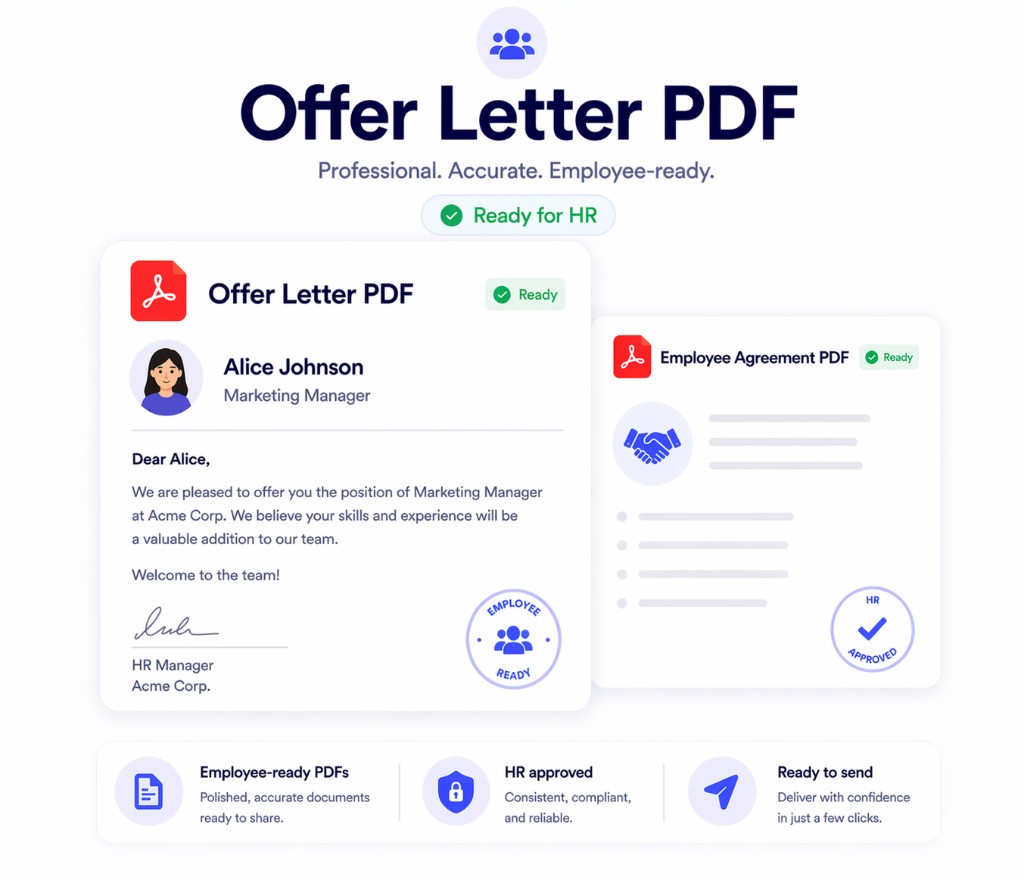
Print Notion helps HR and people operations teams turn Notion templates into cleaner PDFs for offer letters, employee documents, and repeated internal workflows.
HR documents combine repeated templates, personal data, and formatting requirements, which makes manual export especially fragile.
Offer letters and employee records should not start in an upload-first PDF workflow.
HR teams create similar documents for many people with only a few fields changing each time.
If the PDF shifts on export, HR has to fix documents before they can be sent or archived.
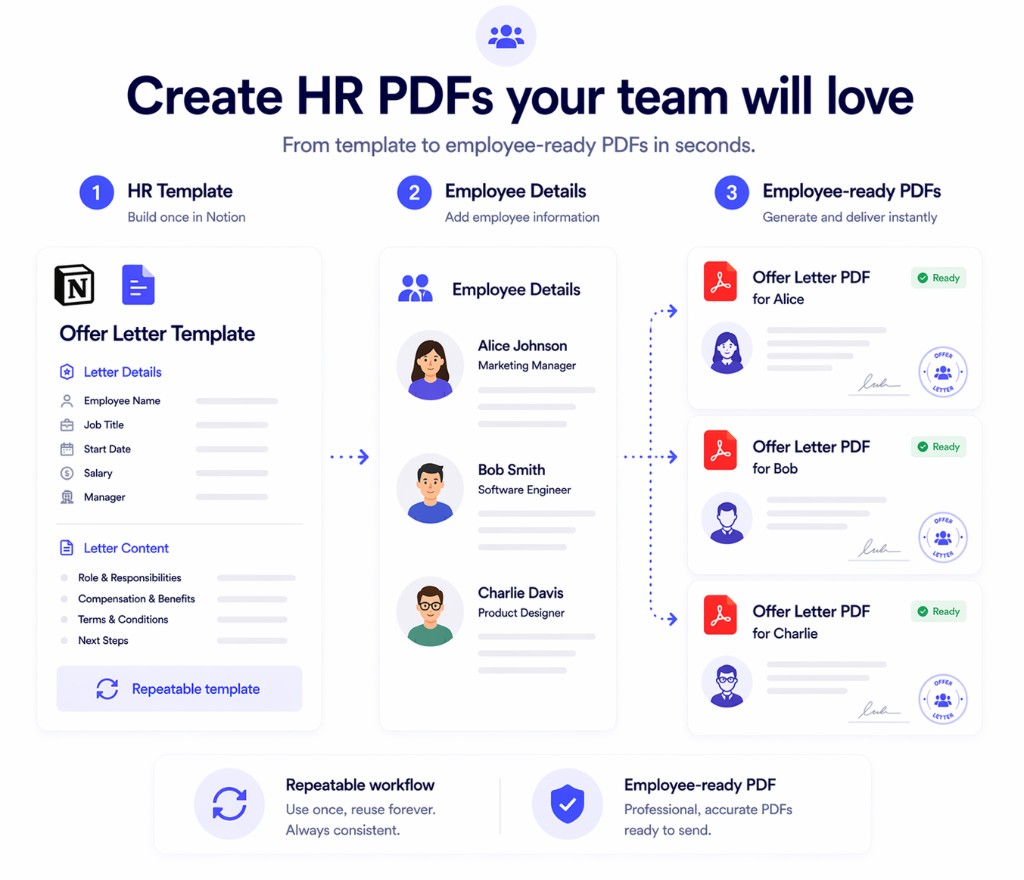
Keep the source template in Notion, then export employee-ready PDFs when the document is ready.
Use one template for offer letters, notices, certificates, or employee communications.
Pull names, titles, dates, managers, and other variables from your Notion records.
Generate one file or many with less repetitive cleanup before sending or filing it.
The value is a cleaner and more repeatable path from Notion content to employee-ready PDFs.
Keep the core HR PDF workflow inside the browser when documents contain personal information.
Export HR letters and employee documents with better formatting and less manual cleanup.
Reuse one template across repeated HR document generation instead of rebuilding each file.
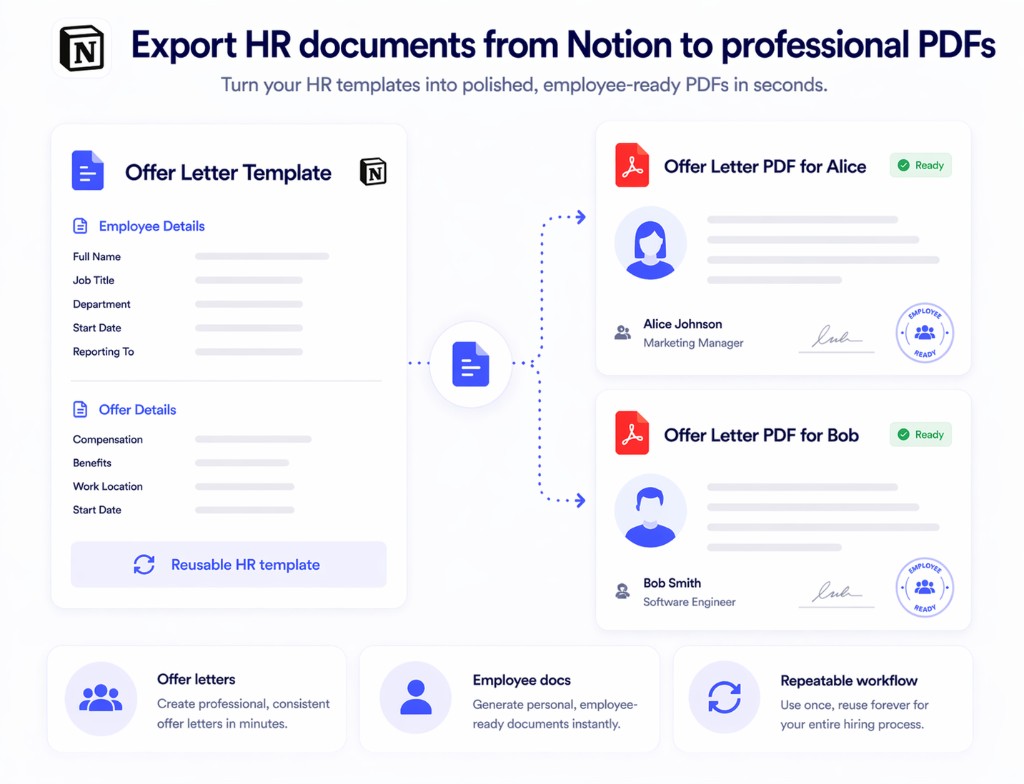
This is where a dedicated HR PDF workflow from Notion reduces friction.
These are the questions teams usually ask before trying this workflow in Print Notion.
If your team already keeps letters and employee templates in Notion, test Print Notion on one of those documents and review the PDF output.
Copyright © Print Notion