Invoices from Notion

Generate invoice PDFs and statements from Notion

Print Notion helps teams turn Notion invoice templates and billing records into cleaner PDFs with no upload required and a more repeatable export workflow.

  • Useful for invoices, statements, and billing documents
  • Keep client and billing details in the browser workflow
  • Generate repeated invoice PDFs from one Notion template
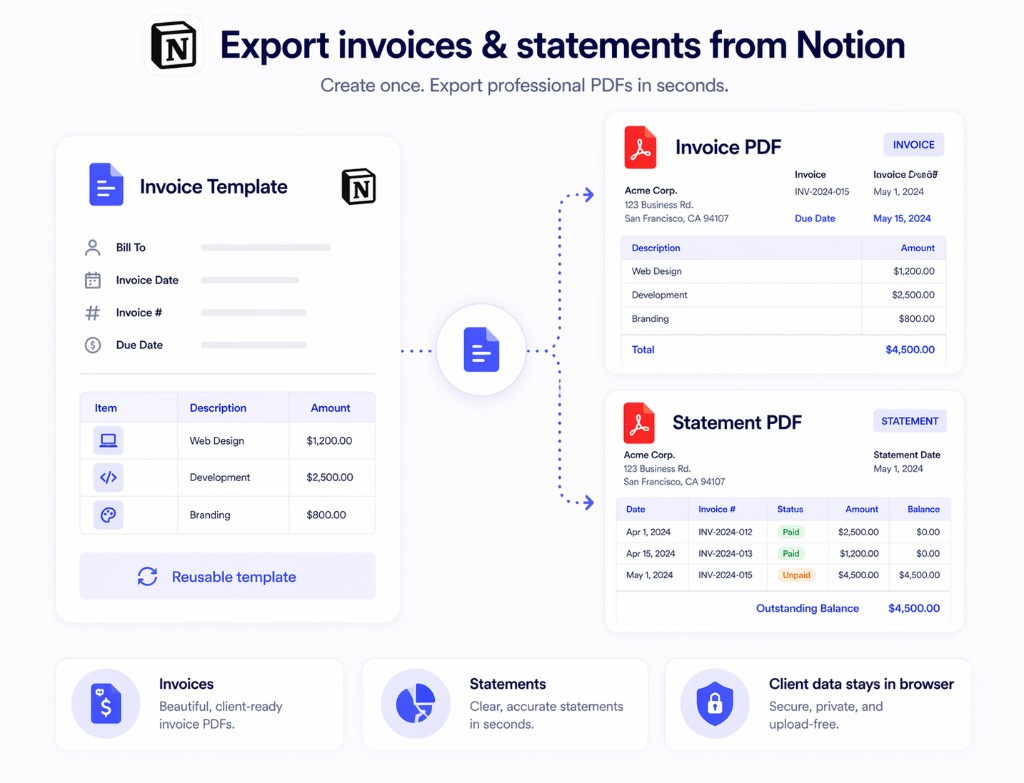
Notion invoice template exported to invoice and statement PDFs with Print Notion
Built for invoice PDFs
No upload required
Repeatable billing workflow
Chrome + Edge support

Why invoice workflows break with generic export tools

Invoice documents combine repeated structure, client data, and formatting requirements that do not work well with manual export.

Billing documents repeat constantly

The same invoice structure comes back every cycle with only client and amount fields changing.

Client and payment data should stay controlled

Invoices and statements often include data teams do not want to route through an upload-first service.

Messy PDFs slow down delivery

Broken layout makes invoice PDFs look less reliable and creates more cleanup work before sending.

How to create invoice PDFs from Notion

Use Notion as the source template, then export cleaner invoice PDFs when records are ready.

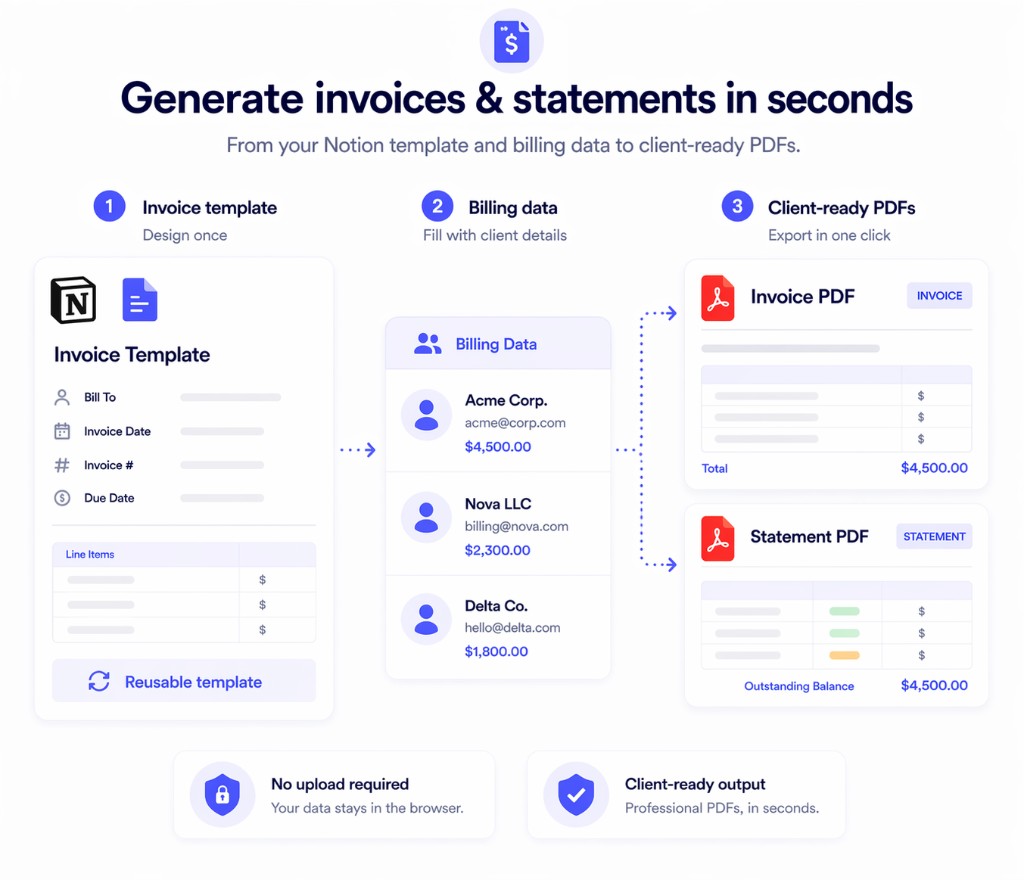
1
Create one invoice template in Notion

Keep your invoice layout, payment details, terms, and branding in the page your team already updates.

2
Connect invoice fields to your data

Pull names, dates, line items, totals, and other repeated values from Notion records.

3
Export the invoice PDF

Generate one invoice or repeated billing documents from the same template workflow.

Invoice template and billing data exported from Notion to invoice and statement PDFs

Why teams use Print Notion for invoices

The goal is a cleaner invoice export path, not another billing workflow outside Notion.

Client data stays in the browser workflow

Use a no-upload-first path for invoice PDFs and statements.

Cleaner invoice PDFs

Export invoice documents that need less manual cleanup before sharing.

Better fit for recurring billing

Reuse one invoice template across repeated billing cycles.

Print Notion vs manual invoice export

This is where the product fits billing and finance teams best.

Capability
Print Notion
Manual export or generic online converter
Invoice template reuse
One Notion template can support repeated invoices
More duplication and manual updates
Client data handling
Browser-based workflow with no upload required
Often routed through more steps or external tools
Invoice PDF quality
Cleaner output from the same source template
More post-export cleanup
Recurring billing effort
Lower effort when invoices repeat
More manual export work every cycle

Common questions

These are the questions teams usually ask before trying this workflow in Print Notion.

Yes. Teams use Print Notion for invoice PDFs, statements, and other recurring billing documents from Notion.
No. The core export workflow runs in the browser with no upload required.
Yes. Print Notion supports repeated invoice generation with mail merge.
Yes. Print Notion works in Chrome and Microsoft Edge.
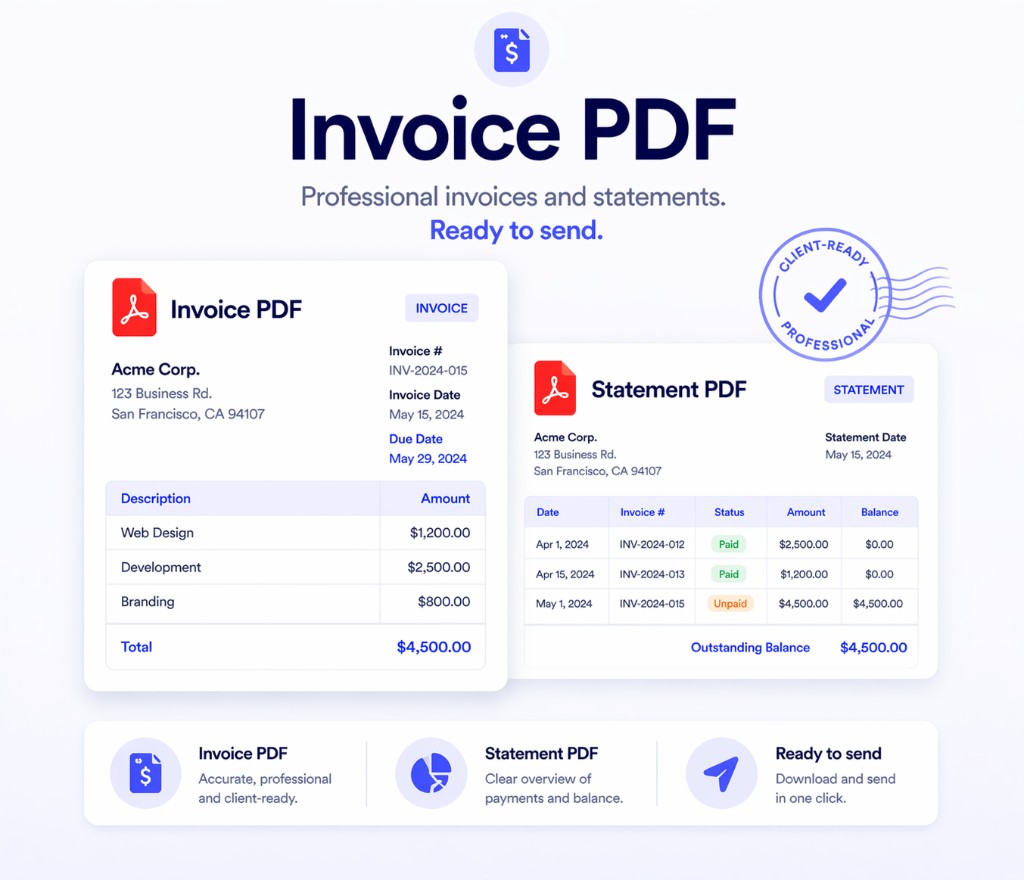
Invoice and statement PDFs from a Notion template ready to try with Print Notion

Install Print Notion for invoice PDFs from Notion

If your team already stores invoice templates or billing records in Notion, test Print Notion on one of those pages and see how the PDF output looks.