Notion Mail Merge

Generate multiple PDFs from one Notion template

Print Notion helps teams use Notion mail merge for invoices, contracts, HR letters, and other repeated documents without rebuilding the same file every time.

  • Use one Notion template for repeated document workflows
  • Generate multiple PDFs from database-backed records
  • Keep the workflow inside the browser with no upload required
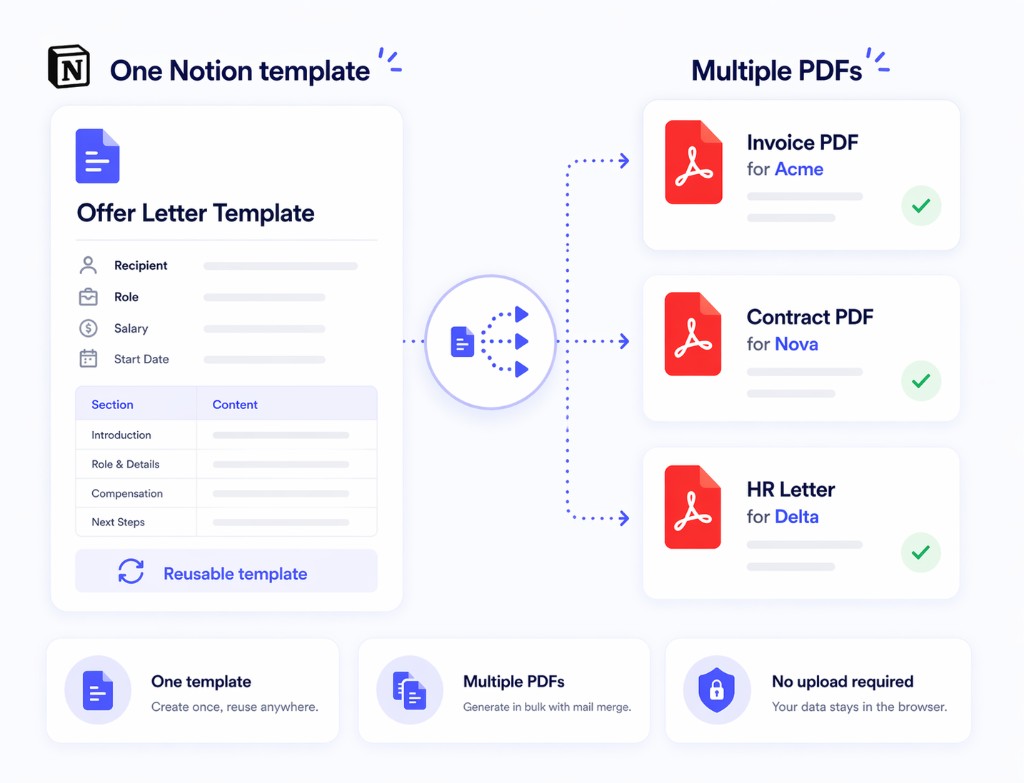
One Notion template generating multiple PDFs with Print Notion mail merge
One template to many PDFs
Useful for invoices and contracts
No upload required
Chrome + Edge support

Why teams look for Notion mail merge

The pain starts when a document repeats often but only a few fields change between records.

The same document gets rebuilt repeatedly

Teams keep duplicating pages for clients, candidates, matters, or internal records.

The data already lives in Notion

Document variables such as name, date, amount, title, or status are already stored in a Notion database.

Manual export does not scale

Once volume increases, repetitive export work takes too much time.

How Notion mail merge works in Print Notion

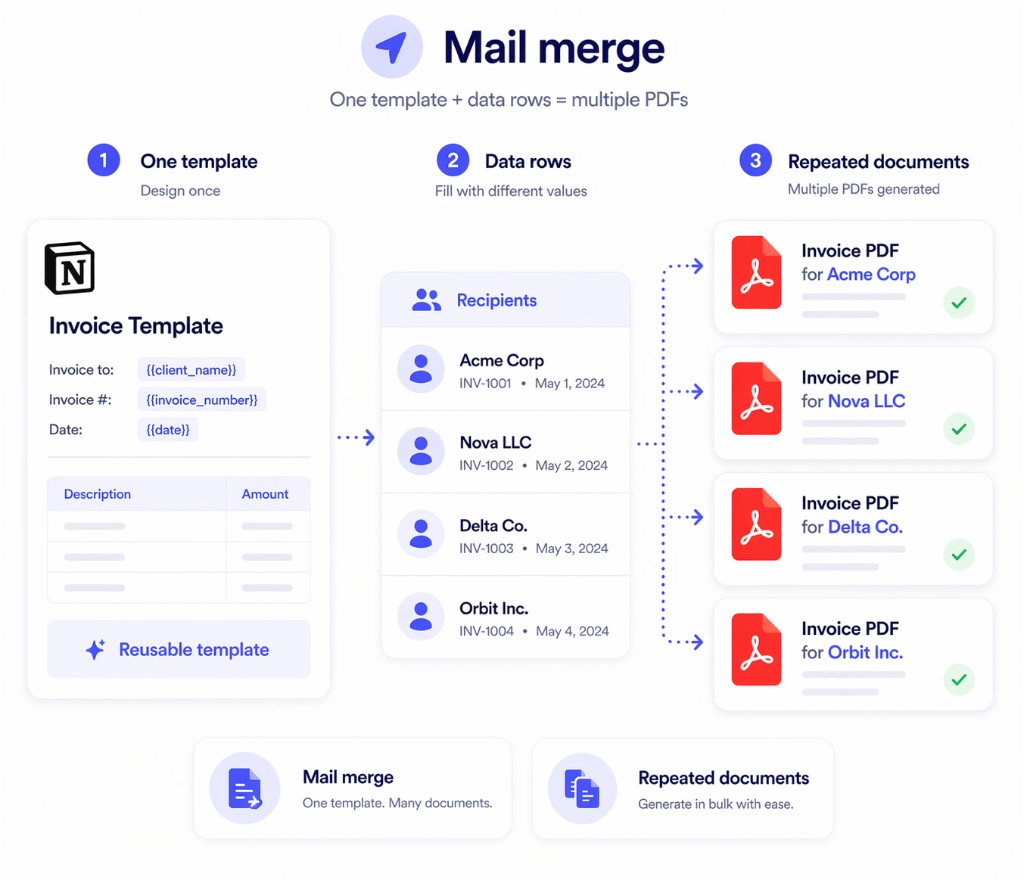
Use one structured template and a Notion data source, then generate repeated PDFs from the same workflow.

1
Build one repeatable document template

Create the invoice, contract, notice, or letter once in Notion.

2
Connect template fields to Notion data

Use database-backed values for names, dates, terms, amounts, or other repeated fields.

3
Generate multiple PDFs

Run mail merge and export a batch of documents from one template instead of one-by-one editing.

One Notion template and data rows generating multiple PDFs with Print Notion

Why mail merge matters for repeated documents

The real gain is less repetitive editing and a cleaner path from one template to many final PDFs.

One template, many outputs

Reuse a single approved Notion template instead of copying the same document structure again and again.

Generate repeated PDFs faster

Export more than one final PDF from the same workflow when the structure repeats.

No upload-first workflow

Keep repeated document generation inside the browser instead of moving content into a generic online converter.

Print Notion vs manual repeated document export

This is where a Notion mail merge workflow saves the most time.

Capability
Print Notion
Manual export or generic online converter
Template reuse
One template supports many documents
More duplication and copy-paste
Repeated PDF generation
Built for repeated outputs
Usually one file at a time
Browser workflow
No upload required for the core flow
Often upload-based
Operational effort
Lower effort as volume grows
More manual work as volume grows

Common questions

These are the questions teams usually ask before trying this workflow in Print Notion.

Yes. Print Notion supports mail merge so one Notion template can generate multiple PDFs for repeated document workflows.
Teams use it for invoices, contracts, HR letters, statements, notices, and other repeated documents with the same structure.
No. The core workflow runs in the browser with no upload required.
Yes. The free plan lets you preview mail merge with sample rows before you decide to upgrade.
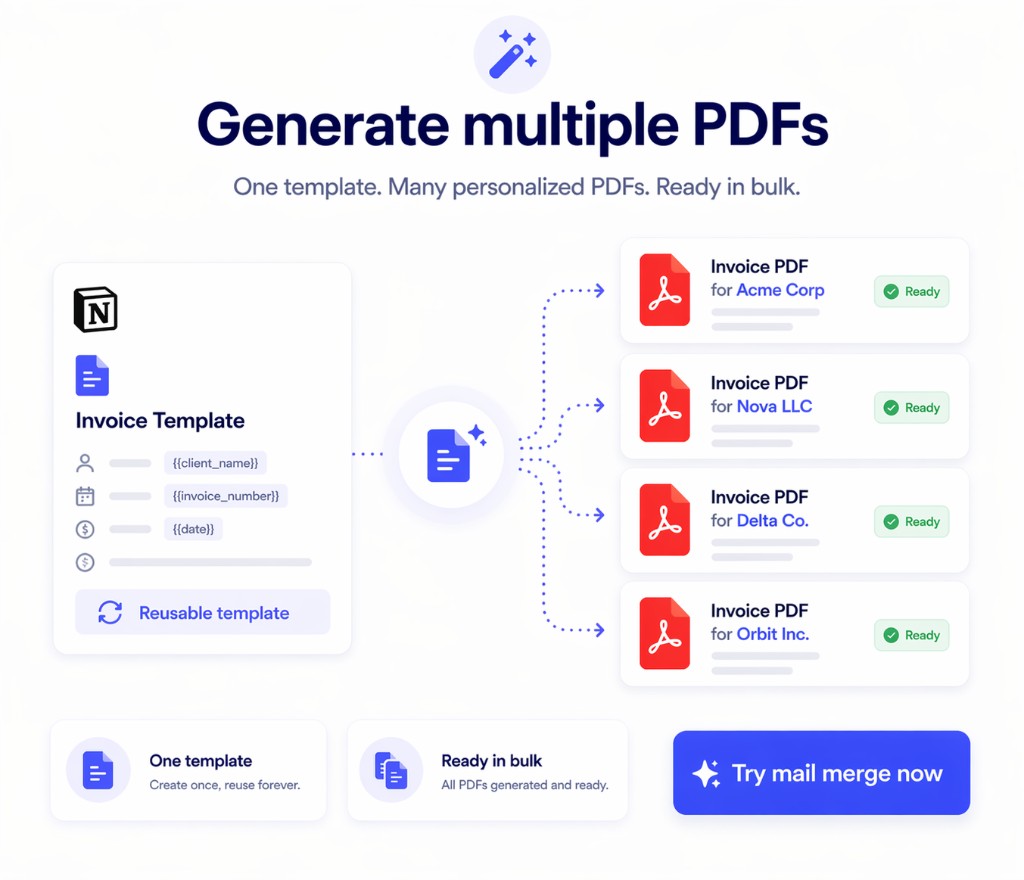
Multiple PDFs generated from one Notion template and ready to try in Print Notion

Use Print Notion when one Notion template needs many PDFs

If your team repeats the same document with different data, install Print Notion and test the mail merge workflow on one of your own templates.