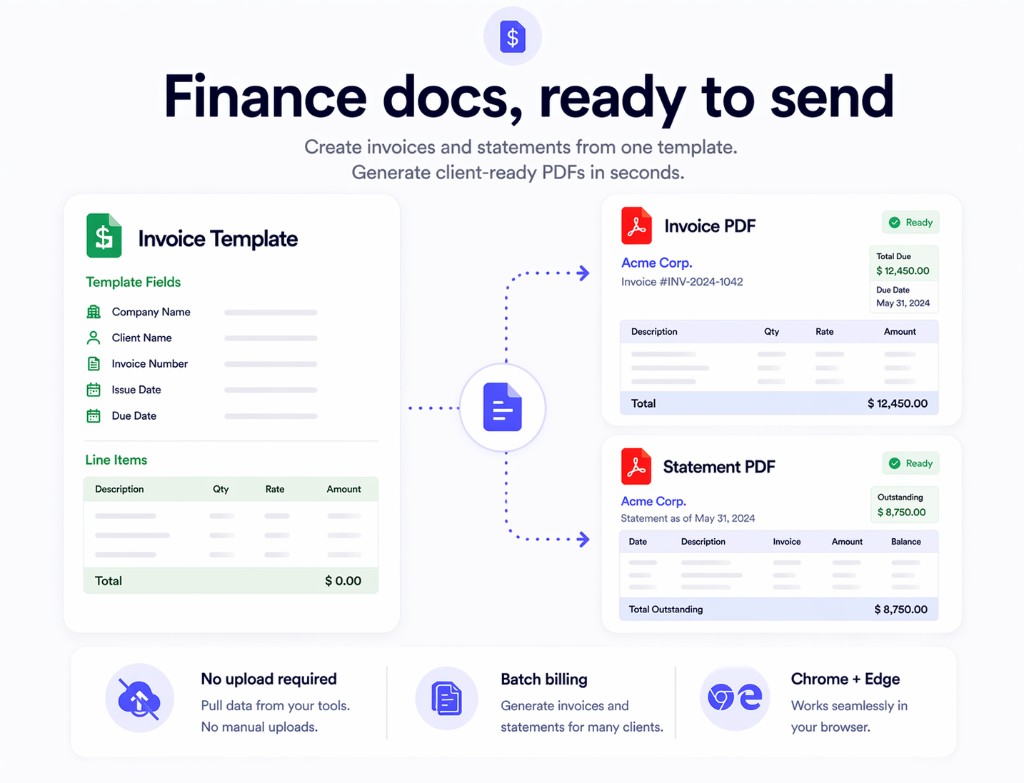
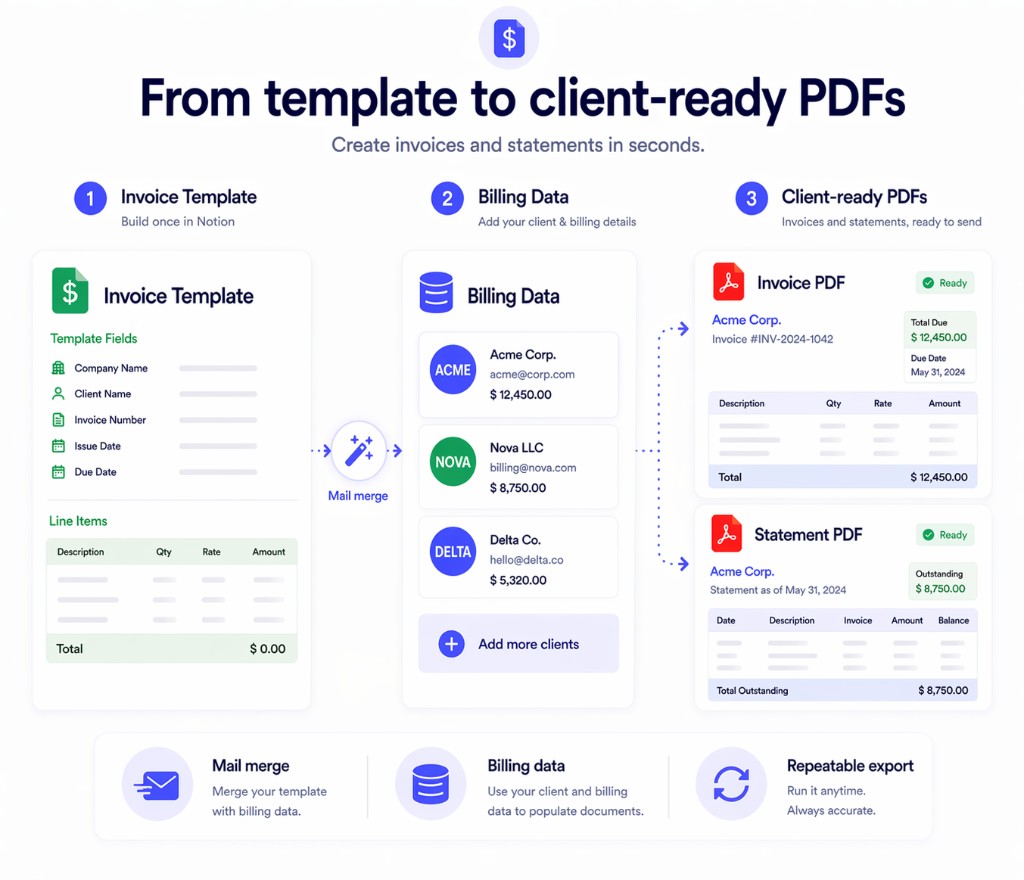
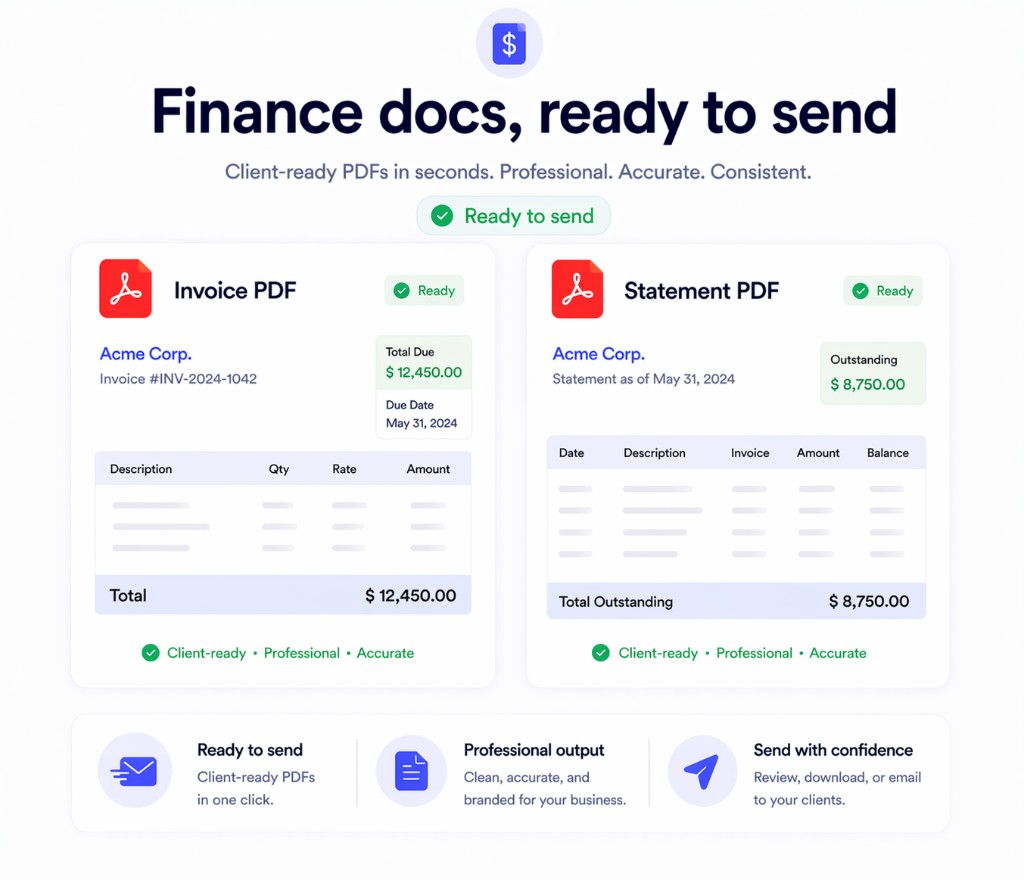
Print Notion helps finance teams turn Notion pages and databases into polished invoices, payment notices, statements, and supporting documents with local processing, predictable formatting, and faster batch output.
The usual workflow breaks down when invoices need to look consistent, client data must stay private, and teams need to send more than one document at a time.
Copying pages one by one, checking spacing, and fixing PDF output wastes time every billing cycle.
Invoices and statements often contain names, addresses, account details, and amounts that teams do not want to upload elsewhere.
Broken tables, cut-off sections, and inconsistent layout make finance documents look unreliable.
Use one Notion template and one database to produce many finance documents without rebuilding the same file each time.
Keep your standard billing layout, legal notes, payment instructions, and brand formatting in a page your team already edits.
Pull client names, line items, dates, totals, and other record fields into the document with mail merge fields.
Produce many finance-ready documents in one workflow instead of exporting records one by one.
The page is tuned for the problems finance teams actually care about: privacy, consistency, and speed.
Keep invoice and payment data in a local browser workflow instead of sending it to a remote conversion service.
Preserve Notion structure, tables, headings, and spacing so documents stay presentable across repeated exports.
Generate many documents from one template and spend less time on repetitive export work.
This is where the product earns its keep for finance operations.
If your team already manages document data in Notion, you do not need another upload-based PDF tool. Start with the extension and test it on your existing invoice or statement template.
Urheberrecht © Print Notion