For Operations & Legal

Turn Notion into a controlled export workflow for contracts, SOPs, and client documents

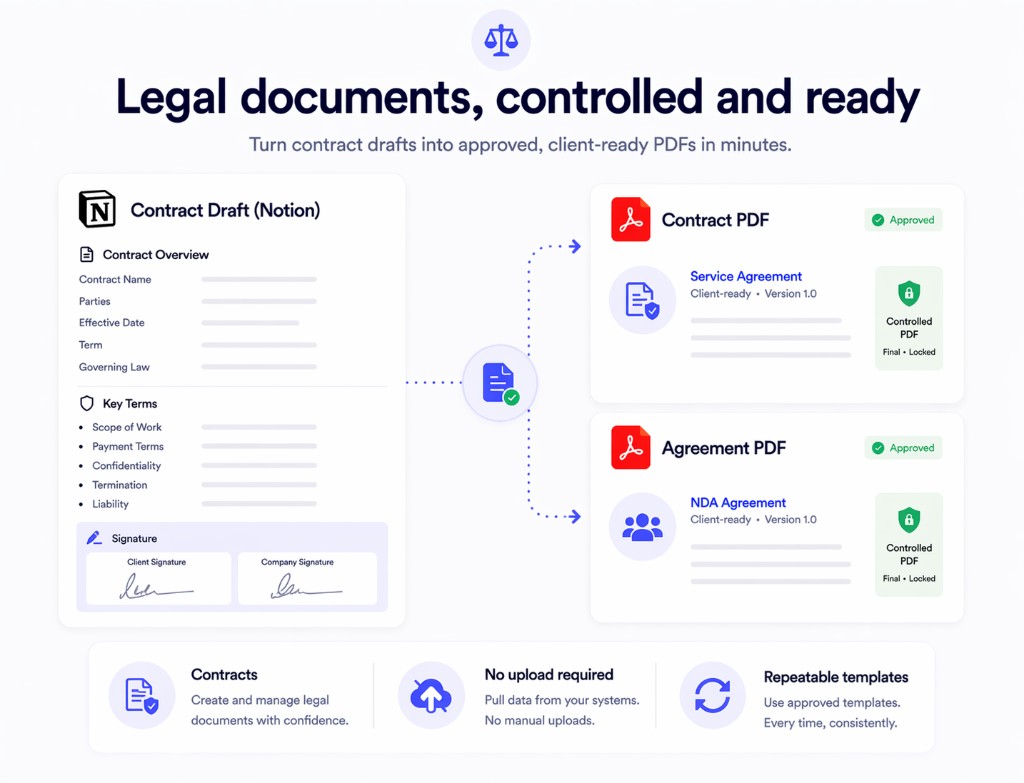
Print Notion gives operations and legal teams a cleaner path from Notion content to final PDFs when format stability, document reuse, and local processing matter.

  • Export operational and legal documents without routing them through a third-party converter
  • Preserve layout and structure for SOPs, contracts, policies, and client packets
  • Reuse templates and database-driven content for repeated document workflows
Print Notion interface in Notion
Built for repeatable document workflows
Local browser processing
Useful for contracts and SOPs
Mail merge support when records drive output

Why operations and legal teams need a dedicated page

These teams care about document control. Generic PDF tools usually optimize for convenience, not repeatable internal workflows.

Contracts and policy docs need structure

When formatting drifts, clauses, headings, and section hierarchy become harder to review and approve.

Operations teams need repeatable output

SOPs, handoff docs, client packets, and process documents are often generated from the same base content again and again.

Sensitive workflows should stay controlled

Legal and internal process documents often include information teams do not want to upload to an outside conversion website.

How the workflow fits operations and legal

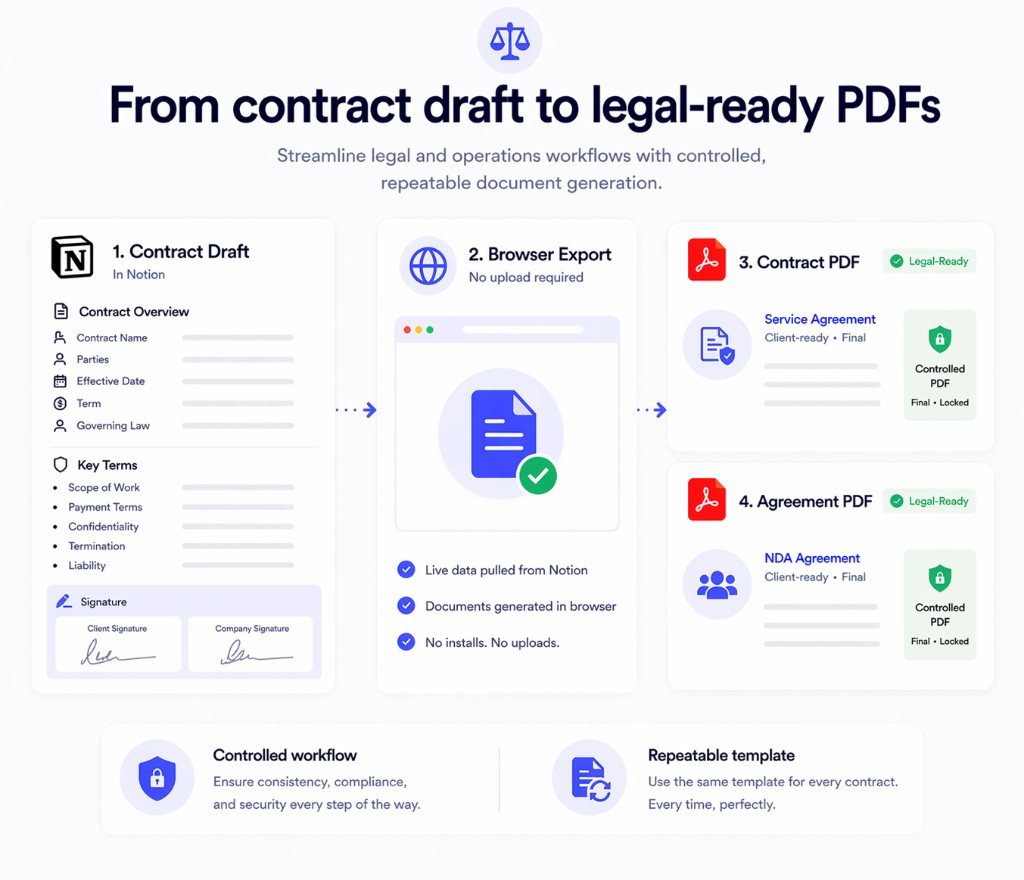
Keep the source of truth in Notion, then export controlled documents when the team needs a final PDF.

1
Maintain the working document in Notion

Keep policies, contract templates, playbooks, client handoff docs, or SOP content in a space the team can update collaboratively.

2
Apply structure and reusable fields

Use a repeatable template and database-backed fields where documents change by client, region, process, or matter.

3
Export a final PDF when the document is ready

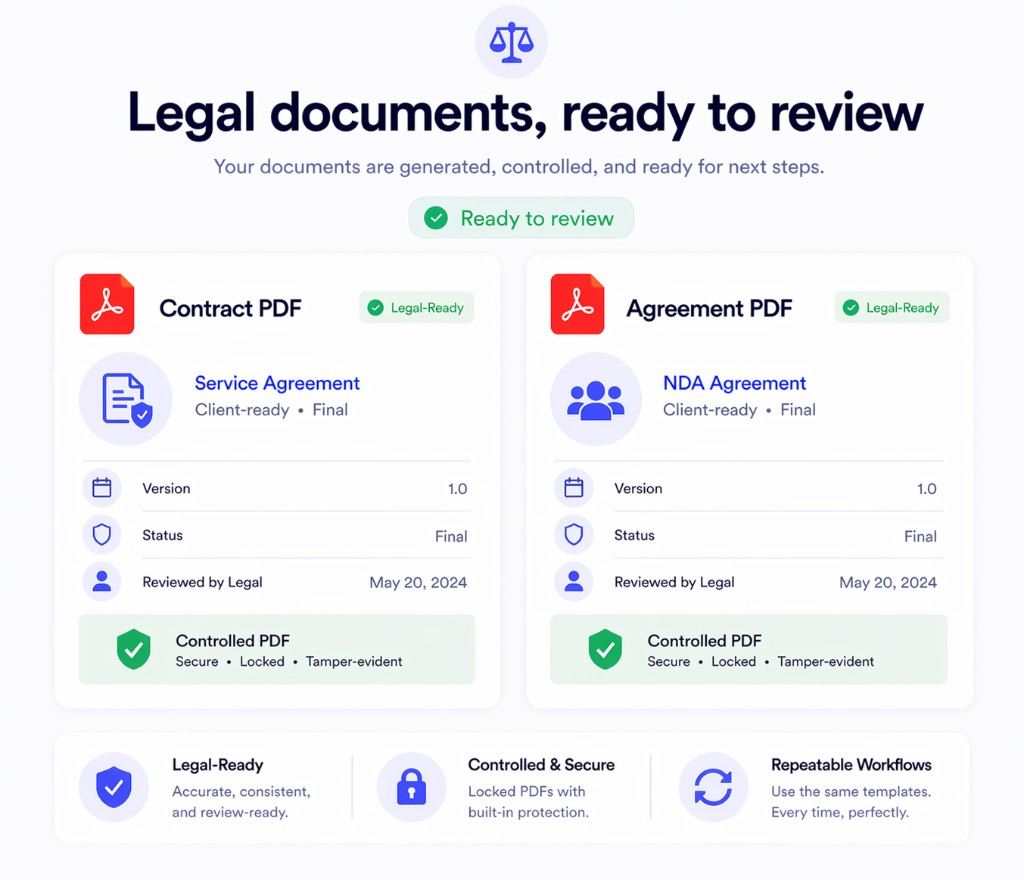
Produce a cleaner handoff file for review, delivery, or record keeping without moving the workflow outside Notion.

Print Notion PDF export interface

What the product changes for operations and legal

The advantage is a more controlled, more repeatable export process that still starts from Notion.

More reliable final documents

Export documents that better preserve the section structure and layout your team already reviewed in Notion.

A reusable operations workflow

Turn one approved template into a repeatable document engine for client packets, SOPs, and internal deliverables.

Less dependence on upload-based tools

Keep more control over how confidential documents are handled during export.

Print Notion vs a generic export stack

The difference shows up when document control matters more than raw convenience.

Capability
Print Notion
Manual export or online converter
Document control
Built around a Notion-first workflow with local processing
More fragmented across multiple tools
Template reuse
Strong fit for repeatable document structures
More manual recreation and cleanup
Confidential files
No upload required for the core workflow
Often requires extra handling or upload
Final PDF quality
Focused on preserving structure and presentation
Higher chance of layout fixes after export
Print Notion template printing

Adopt a cleaner Notion export workflow for ops and legal

If your team already writes and approves documents in Notion, Print Notion lets you finish the workflow without switching to a generic upload-based PDF tool. Install it and test one of your standard document templates.