For HR Teams

Create HR letters and employee documents from Notion with local processing

Print Notion helps HR and people operations teams generate offer letters, employment confirmations, onboarding documents, and personnel PDFs from Notion while keeping employee data under tighter control.

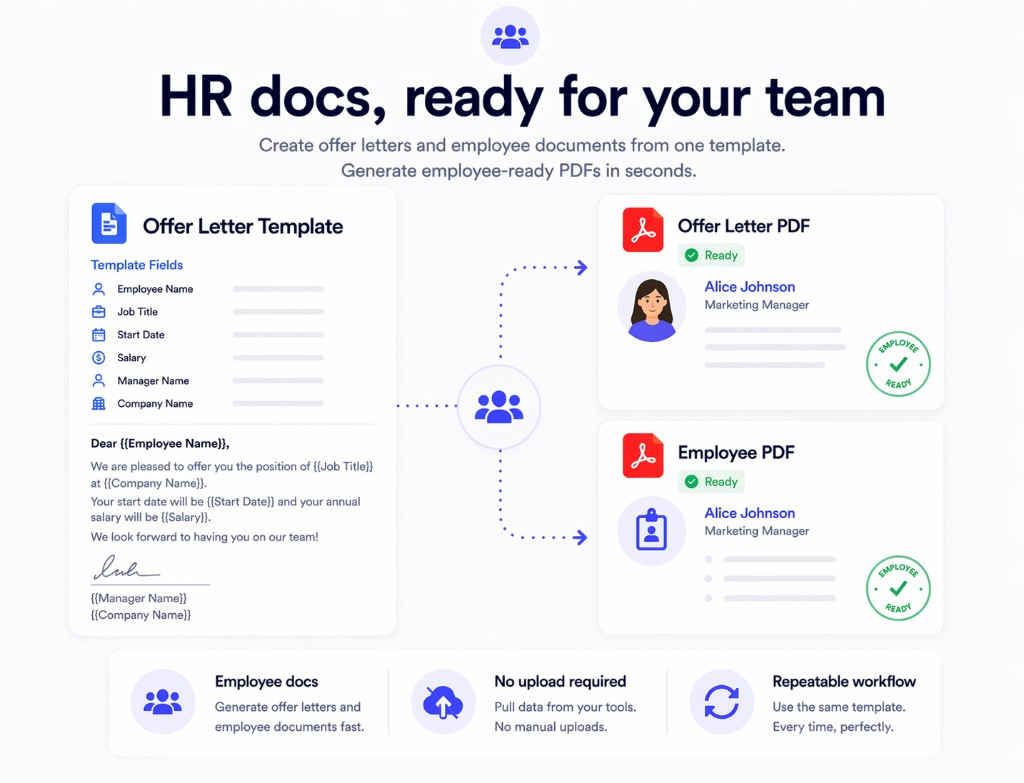
  • Generate repeated employee documents from one structured Notion template
  • Avoid sending candidate and employee data to third-party PDF websites
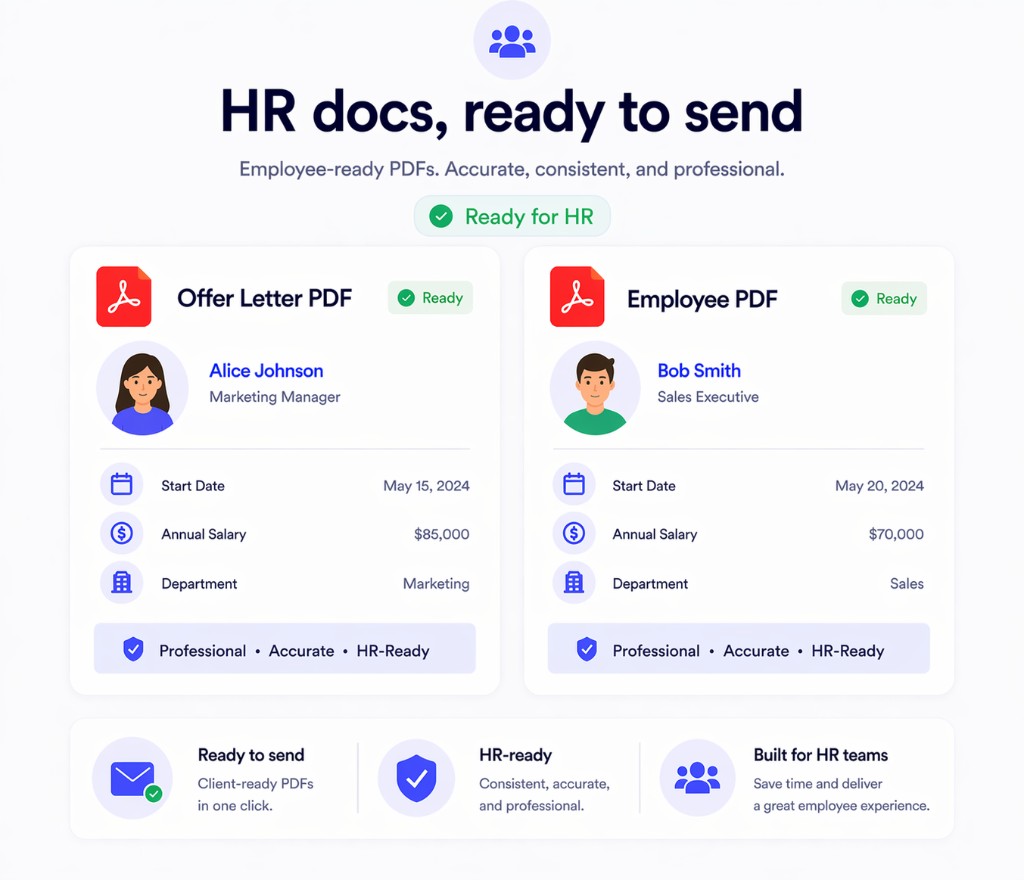
  • Export clean documents with better layout consistency for internal and employee-facing use
Formatted Notion document preview in Print Notion
Built for employee-facing documents
No page sharing required
Good fit for repeated HR templates
Works inside the browser

Why HR teams need a better export workflow

HR documents combine personal data, repeatable templates, and formatting requirements. That mix makes manual export especially fragile.

Employee data needs more control

Offer letters, identity details, compensation terms, and employment records are not the kind of files teams want to upload to an external conversion tool.

The same letters get recreated repeatedly

Teams often generate similar documents for many employees, candidates, or internal approvals with only a few data fields changing.

Messy output slows approval and delivery

If formatting shifts between exports, HR has to review and fix documents before sending them out.

How HR teams use Print Notion

Keep HR content in Notion, standardize the template, and produce employee-ready documents faster.

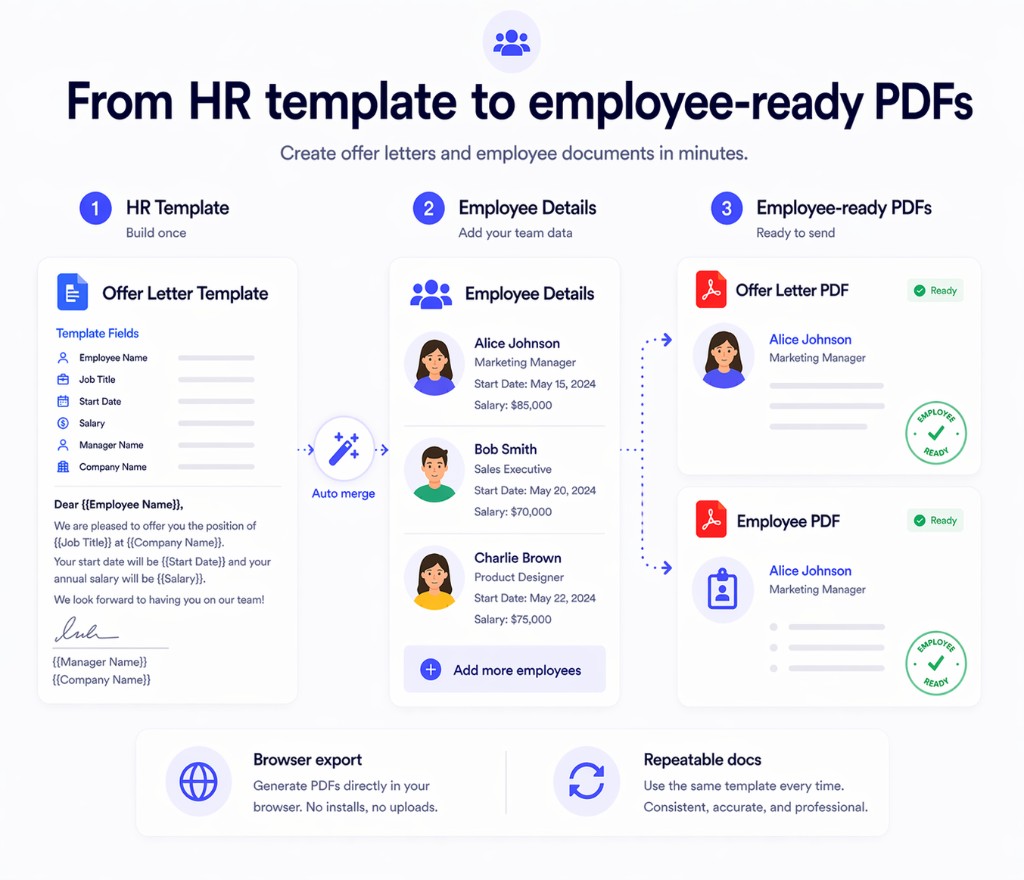
1
Build a repeatable HR template in Notion

Set up your offer letter, confirmation letter, certificate, or internal form once and keep the wording current in the same place your team already works.

2
Insert employee or candidate data from your Notion database

Use fields for name, title, department, dates, compensation, manager, and other HR variables without rebuilding the whole document.

3
Export the finished PDF for delivery or record keeping

Generate one file or many, then send or archive the result with less manual cleanup.

One-click export flow in Print Notion

What HR teams get from the dedicated page

The value is not just PDF export. It is a cleaner way to standardize sensitive document work.

Better privacy posture

Employee and candidate data can stay in a browser-based workflow instead of being routed through a separate online tool.

Standardized document output

Keep letter structure, section hierarchy, and layout more consistent across onboarding and employee communications.

Less admin time per document

Reduce the time spent copying templates, swapping names, and cleaning up repeated exports.

Print Notion vs the common HR export setup

This is the difference between a repeatable HR workflow and a manual patchwork process.

Capability
Print Notion
Manual export or online converter
Handling employee data
Kept in a local browser workflow
Greater risk of extra handling or uploading
Template reuse
One Notion template can support many documents
More copy-paste and manual edits
Consistency across letters
Stronger control over document layout
Inconsistent results between exports
Operational effort
Fewer repetitive admin steps
More work for HR ops and coordinators
Print Notion main interface

Use Print Notion for recurring HR document work

If your team already keeps employee information and templates in Notion, Print Notion gives you a safer and more repeatable export path. Install it and test it with one of your existing HR templates.